tf2
TF2 = TransForm 2
links
links = parts of a robot (ie. Lidar, wheels, thrusters, and camera) links are joined together by joints
view links of a robot:
- Open Rviz
- Select the robot from the left panel
- expand the "links" tab
positions and rotations
base_link is the origin of a robot, and all other parts of the robot are positioned relative to base_link (it is similar to classes and subclasses)
arrows show hierarchy of the tree: the arrow points toward the parent
- Red = X axis
- Green = Y axis
- Blue = Z axis
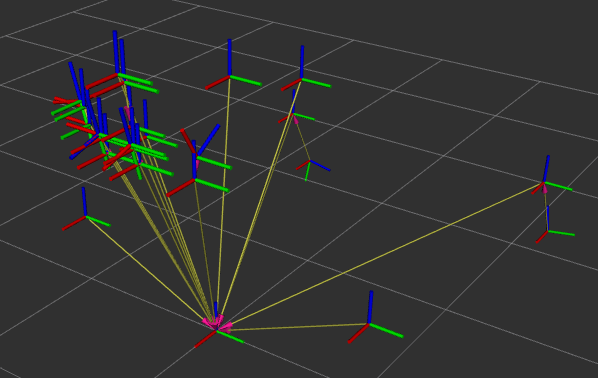
the /tf topic
tf2-tools
- install via
sudo apt install ros-humble-tf2-tools
viewing data
ros2 run tf2_tools view_frames
creates 2 files: PDF and URDF file
PDF gives visual description of the tf2 'tree'